FREE SPREADSHEET FOR FREELANCERS & GIG WORKERS
Stop guessing how much of each payment is actually yours.
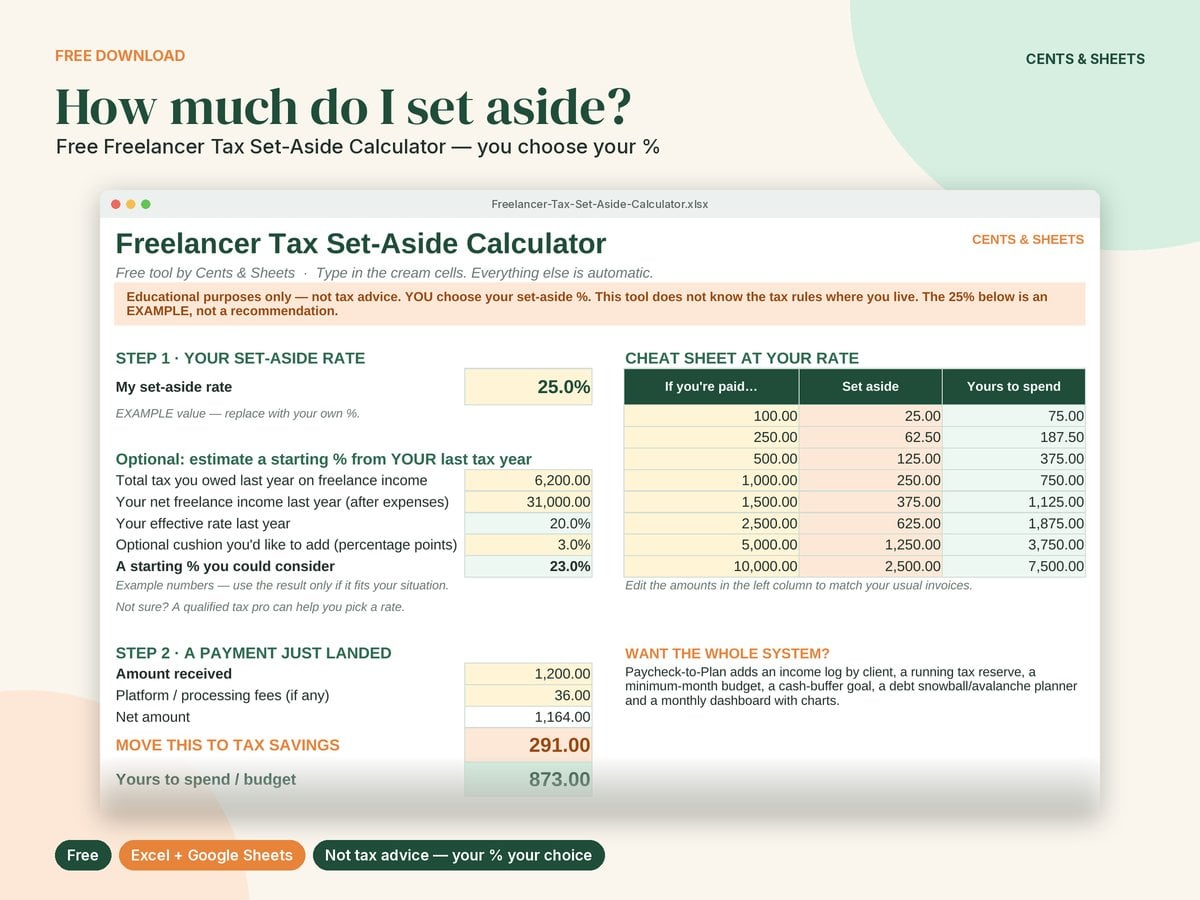
The Freelancer Tax Set-Aside Calculator splits every payment into two numbers: what to move to tax savings (at the % you choose) and what's yours to spend. Works in Excel and Google Sheets.
No spam. We'll never sell your email. Privacy policy
How it works
- 1. Choose your %: type in your own set-aside rate. Not sure? A helper estimates one from your last tax year.
- 2. A payment lands: enter the amount and any platform fees.
- 3. Move the set-aside: transfer it to a separate savings account and mark it "Yes".
- 4. Spend the rest: "Still to move" keeps a running total so nothing slips.
What you get
- A 2-tab spreadsheet (Calculator + Payment Log).
- A cheat sheet: "If you're paid X, set aside Y" at your rate.
- An optional helper that estimates a starting % from your own records.
- A one-page quick-start PDF.
- Excel + Google Sheets compatible.
FAQ
Is it really free?
Yes. Enter your email and you'll get the download right away. Unsubscribe anytime.
What percentage should I use?
That's your call, and it depends on where you live and your situation. Common starting points: your effective rate from last year's return, a tax professional's estimate, or your tax authority's official estimator.
Does it work outside the US?
Yes. There are no country-specific rates or currency built in.
Do I need Excel?
No. It opens in Google Sheets for free.
© 2026 Cents & Sheets · Educational content only, not tax, legal, accounting or financial advice. Cents & Sheets, 785 Oak Grove Rd, Ste E2 #1277, Concord, CA 94518 · [email protected] · Privacy policy